How to Make a Circle in Minecraft
Building perfect circles in Minecraft is challenging but achievable. This complete guide shows you exactly how to create circles of any size, from small rings to massive structures.
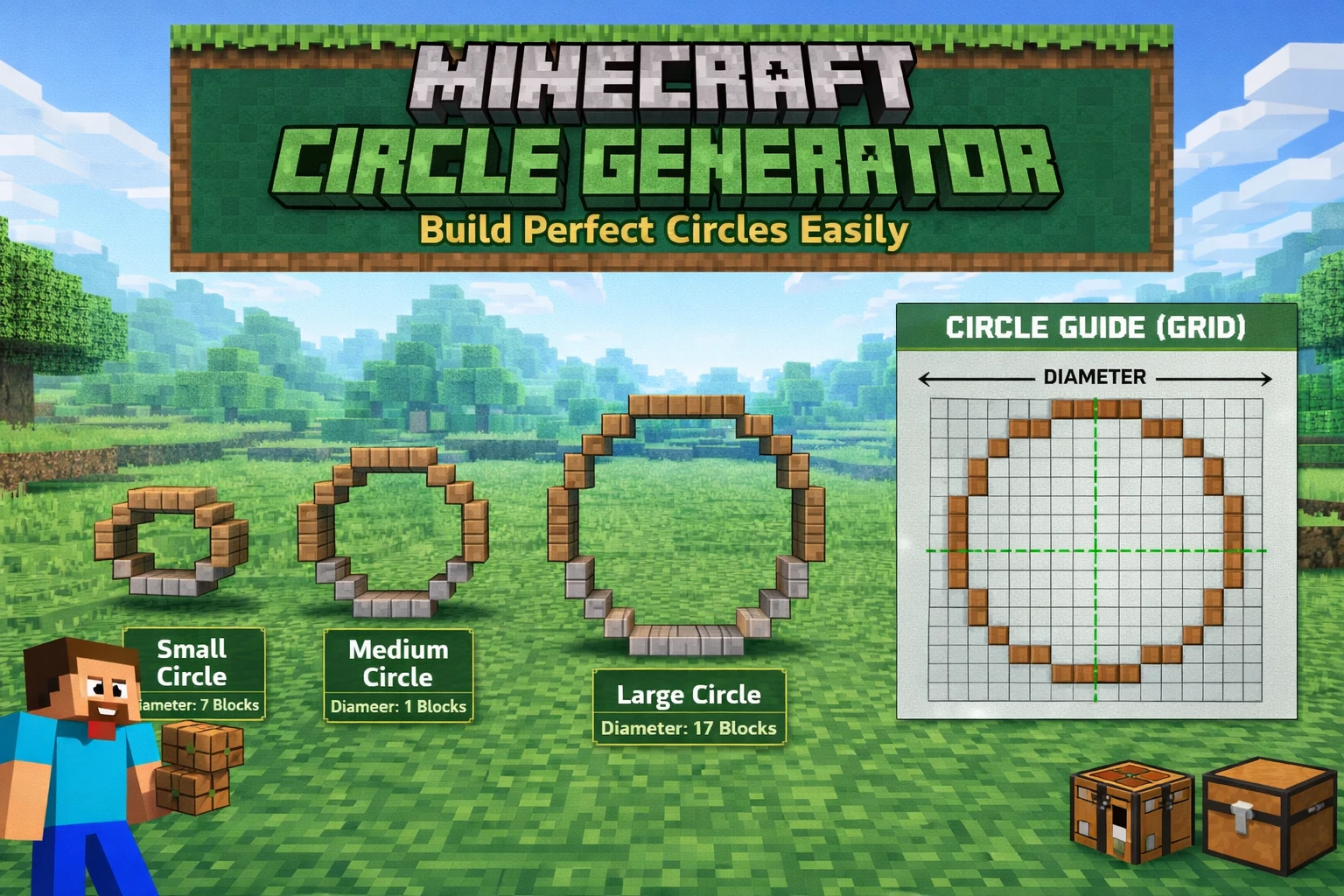
🚀 Skip the Math - Use Our Free Tool
Generate perfect circle patterns instantly with our Minecraft Circle Generator
Try Circle Generator →Why Circles Are Hard in Minecraft
Minecraft is built on a grid system where everything is made of blocks. Creating curved shapes like circles requires careful planning because you're essentially creating the illusion of a curve using square blocks. The larger your Minecraft circle, the smoother it will appear. This applies to both Minecraft Java Edition and Minecraft Bedrock Edition, as the block-based building system is identical.
Key Challenges:
- • Block-based grid: Square blocks make curved shapes difficult
- • Symmetry: Maintaining perfect symmetry on all sides
- • Size matters: Small circles (under 7 blocks) look square
- • Manual counting: Easy to lose track without a pattern
Step-by-Step: Building Your First Circle
📝 What You'll Need:
- • Building blocks of your choice
- • A circle pattern (use our generator tool)
- • Patience and attention to detail
Method 1: Small Circles (5-15 blocks)
Step 1: Find Your Center
Place a single block where you want the center of your circle. This is your reference point.
Step 2: Build the Cardinal Points
Count out equal distances north, south, east, and west from your center. For a 9-block diameter, count 4 blocks in each direction.
Step 3: Fill in the Corners
Connect the cardinal points using a stair-step pattern. Each step should be 1-2 blocks depending on your circle size.
Step 4: Smooth the Edges
Step back and look at your circle. Adjust any blocks that look out of place to create a smoother curve.
Method 2: Large Circles (20+ blocks)
For larger circles, manual building becomes time-consuming. We recommend using our Minecraft Circle Generator to create a blueprint, then follow it block-by-block.
💡 Pro Tip: Use the Generator
Our circle generator shows you exactly which blocks to place. You can download the pattern as an image or copy the blueprint to reference while building.
Generate Circle Pattern →Common Minecraft Circle Sizes & Patterns
Choosing the right circle diameter is crucial for your Minecraft build. Here are the most popular circle sizes used by Minecraft builders worldwide:
5x5 to 9x9
Small decorative circles
Windows, small towers, decorations
11x11 to 21x21
Medium structures
Towers, pools, building bases
25x25 to 50x50
Large builds
Castles, stadiums, massive structures
Pro Tip: For the best-looking Minecraft circles, use odd-numbered diameters (9, 11, 15, 21, 31) as they have a clear center block for perfect symmetry. This makes building circles in Minecraft much easier.
Minecraft Circle Size Reference Chart
Use this reference chart to find the right circle pattern for your build. These are the most commonly searched Minecraft circle sizes — each one is optimized for a specific use case.
| Diameter | Blocks Needed | Best For | Difficulty |
|---|---|---|---|
| 7×7 | ~20 | Small windows, decorations | Easy |
| 9×9 | ~28 | Small towers, fountains | Easy |
| 11×11 | ~36 | Medium towers, pools | Easy |
| 15×15 | ~48 | Castle towers, arenas | Medium |
| 21×21 | ~68 | Large towers, stadiums | Medium |
| 31×31 | ~100 | Massive builds, coliseums | Hard |
| 50×50 | ~160 | Epic structures, servers | Expert |
How to Make a Circle in Minecraft Without a Generator
If you want to build a Minecraft circle by hand without any tools, use the stair-step method. This is the technique professional builders used before generators existed:
Example: 11×11 circle pattern (X = block, · = empty)
· · · X X X X X · · ·
· · X · · · · · X · ·
· X · · · · · · · X ·
X · · · · · · · · · X
X · · · · · · · · · X
X · · · · · · · · · X
X · · · · · · · · · X
X · · · · · · · · · X
· X · · · · · · · X ·
· · X · · · · · X · ·
· · · X X X X X · · ·
Count the blocks carefully from the center outward. For larger circles, use our Minecraft circle generator to get the exact pattern — it handles the math automatically for any diameter.
Minecraft Circle Generator Commands
Some players ask about using Minecraft circle generator commands or WorldEdit to build circles automatically. If you have WorldEdit installed on a server or single-player world, you can use:
# Draw a hollow circle (radius 10, facing up)
//cyl stone 10 1
# Draw a filled circle
//cyl stone 10 1 -h
No WorldEdit? Our free circle generator gives you the same result as a visual blueprint — no mods or commands required. Works for both Java and Bedrock Edition.
Common Mistakes to Avoid
❌ Not Using a Reference
Building circles freehand almost always results in uneven shapes. Always use a pattern or generator.
❌ Starting Too Small
Circles smaller than 5 blocks look more like squares. Start with at least a 7-9 block diameter.
❌ Forgetting Symmetry
Always build symmetrically from the center. If one side has 3 blocks, the opposite side should too.
Advanced Circle Building Tips
- ✓ Use contrasting blocks to mark your pattern before filling it in
- ✓ Build in Creative mode first to practice before committing resources
- ✓ For hollow circles, use the thickness setting in our generator
- ✓ Take screenshots of your pattern from multiple angles while building
Building 3D Circles: Minecraft Spheres & Domes
Once you master how to make circles in Minecraft, you can create 3D structures like spheres and domes by stacking circles of different sizes. These advanced Minecraft building techniques let you create planets, domed roofs, igloos, and spherical structures. Check out our specialized Minecraft shape generators:
Minecraft Sphere Generator
Create perfect 3D spheres for your builds
Minecraft Dome Generator
Generate dome patterns for roofs and structures
Frequently Asked Questions
What's the easiest circle size to build?
A 9x9 or 11x11 circle is perfect for beginners. It's large enough to look circular but small enough to build quickly.
Can I make perfect circles without tools?
Yes, but it's much harder and time-consuming. Using a circle generator saves hours of trial and error.
How do I make hollow circles?
Build the outer ring first, then don't fill in the center. Our generator has a thickness control for this.
What blocks work best for circles?
Any block works, but solid colors like concrete or wool show the shape more clearly than textured blocks.
How do I make a 31-block circle in Minecraft?
A 31×31 circle needs about 100 blocks for the hollow ring. Use our circle generator, set the diameter to 31, and download the pattern. It's one of the most popular sizes for large castle towers and coliseums.
Does this work for Minecraft Bedrock Edition?
Yes. Circle patterns are identical in Java and Bedrock Edition — both use the same block grid. Our generator works for PC, console, and mobile Minecraft.
How do I make a half circle (arch) in Minecraft?
Generate a full circle, then only build the top half. For a doorway arch, use a circle with diameter equal to your door width and build only the upper semicircle above the opening.
Ready to Build Perfect Circles?
Use our free Minecraft Circle Generator to create patterns instantly
Start Building Now →