⭕ Minecraft Circle Generator - Perfect Circles & Patterns
Generate perfect circles instantly – download, copy, and build in seconds.
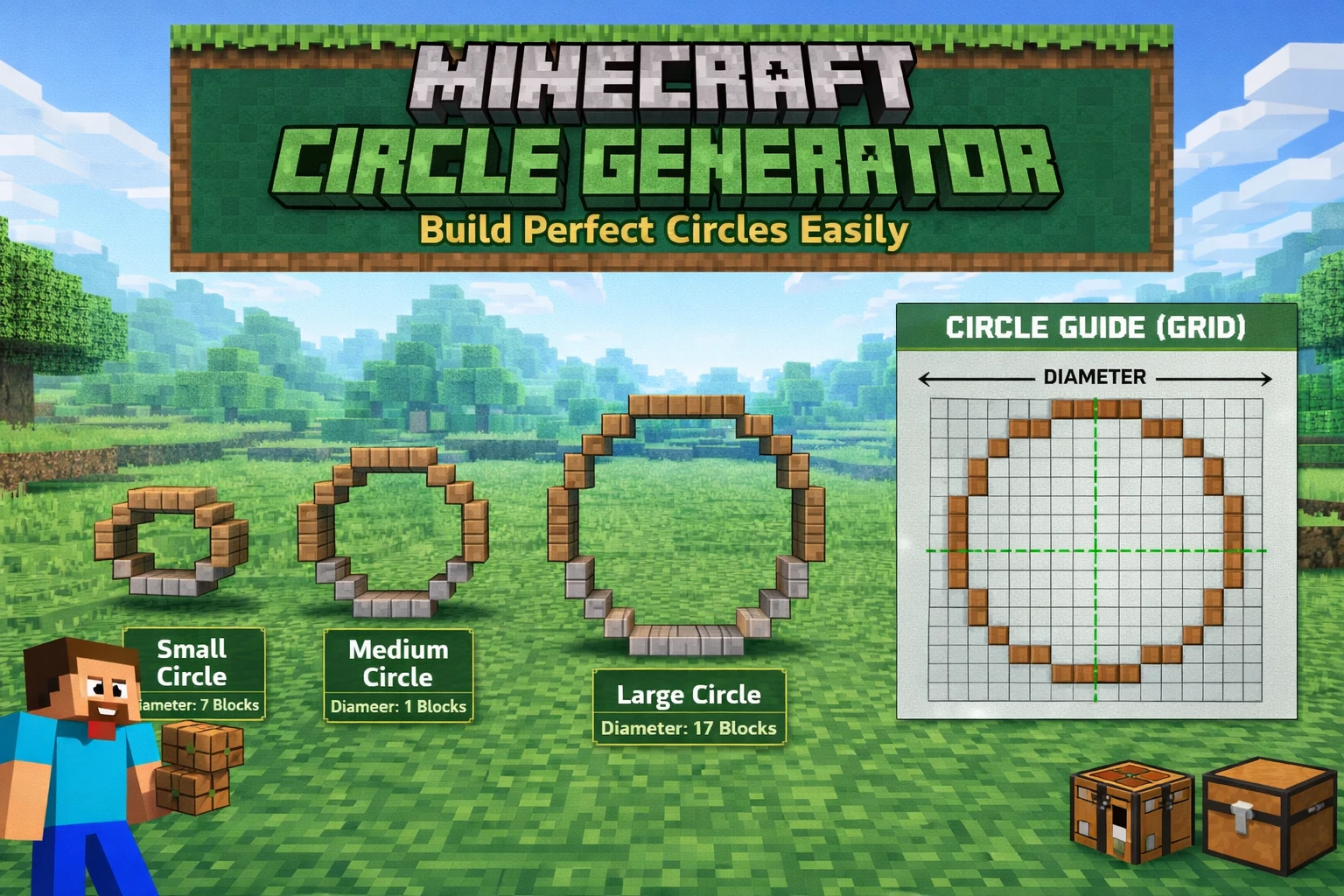
Click "Generate Circle" to start
How to Use the Minecraft Circle Generator
Building perfect circles in Minecraft is challenging without the right tools. This free circle generator creates pixel-perfect patterns for any diameter, with adjustable thickness for walls, pools, and structures.
📋 Quick Start:
- 1. Enter your desired circle diameter (3-100 blocks)
- 2. Set thickness (1 for outline, higher for walls)
- 3. Click "Generate Circle"
- 4. Download the image or copy the blueprint
- 5. Build in Minecraft following the pattern!
Why Use a Circle Generator?
Minecraft's block-based grid makes circular shapes difficult to build freehand. A circle generator calculates the optimal block placement for smooth, symmetrical circles that look great from any angle.
✓ With Generator
- • Perfect symmetry every time
- • Instant pattern creation
- • Accurate block counts
- • Save hours of planning
✗ Without Generator
- • Trial and error building
- • Uneven, lopsided circles
- • Wasted materials
- • Hours of frustration
Common Circle Sizes
Small (5-15 blocks)
Decorative features, small pools, towers
Medium (20-40 blocks)
Buildings, arenas, large pools
Large (50+ blocks)
Massive structures, stadiums, city centers
Building Tips
- ✓ Mark the center point before starting your build
- ✓ Build in Creative mode first to test the size
- ✓ Use contrasting blocks to outline the pattern first
- ✓ Screenshot the pattern for reference while building
- ✓ For large circles, build in sections and connect them
What Can You Build with Circles?
🏰 Towers & Castles
Circular towers create impressive medieval structures and fortifications.
🏊 Pools & Fountains
Round pools and decorative fountains add elegance to any build.
🎪 Arenas & Stadiums
Circular arenas perfect for PvP battles and events.
🌳 Gardens & Paths
Circular gardens and curved pathways create natural-looking landscapes.
Circle vs Other Shapes
Circle (2D)
Flat, single layer
Current ToolFrequently Asked Questions
What is the best size for a Minecraft circle?
It depends on your build! Small circles (5-15 blocks) work for decorations, while large circles (30+ blocks) are better for main structures. Learn more about circle sizes.
Does this work for Minecraft Java and Bedrock?
Yes! The patterns work perfectly for both Minecraft Java Edition and Bedrock Edition.
How do I use the blueprint?
Copy the blueprint or download the image, then place blocks following the pattern. Each "1" represents a block, each "0" is empty space.
Can I make hollow circles?
Yes! Set thickness to 1 for a hollow outline, or increase it for thicker walls.