🌐 Minecraft Sphere Generator - Perfect 3D Spheres
Create perfect 3D spheres for your Minecraft builds. Generate layer-by-layer blueprints instantly.
Click "Generate Sphere" to start
How to Use the Sphere Generator
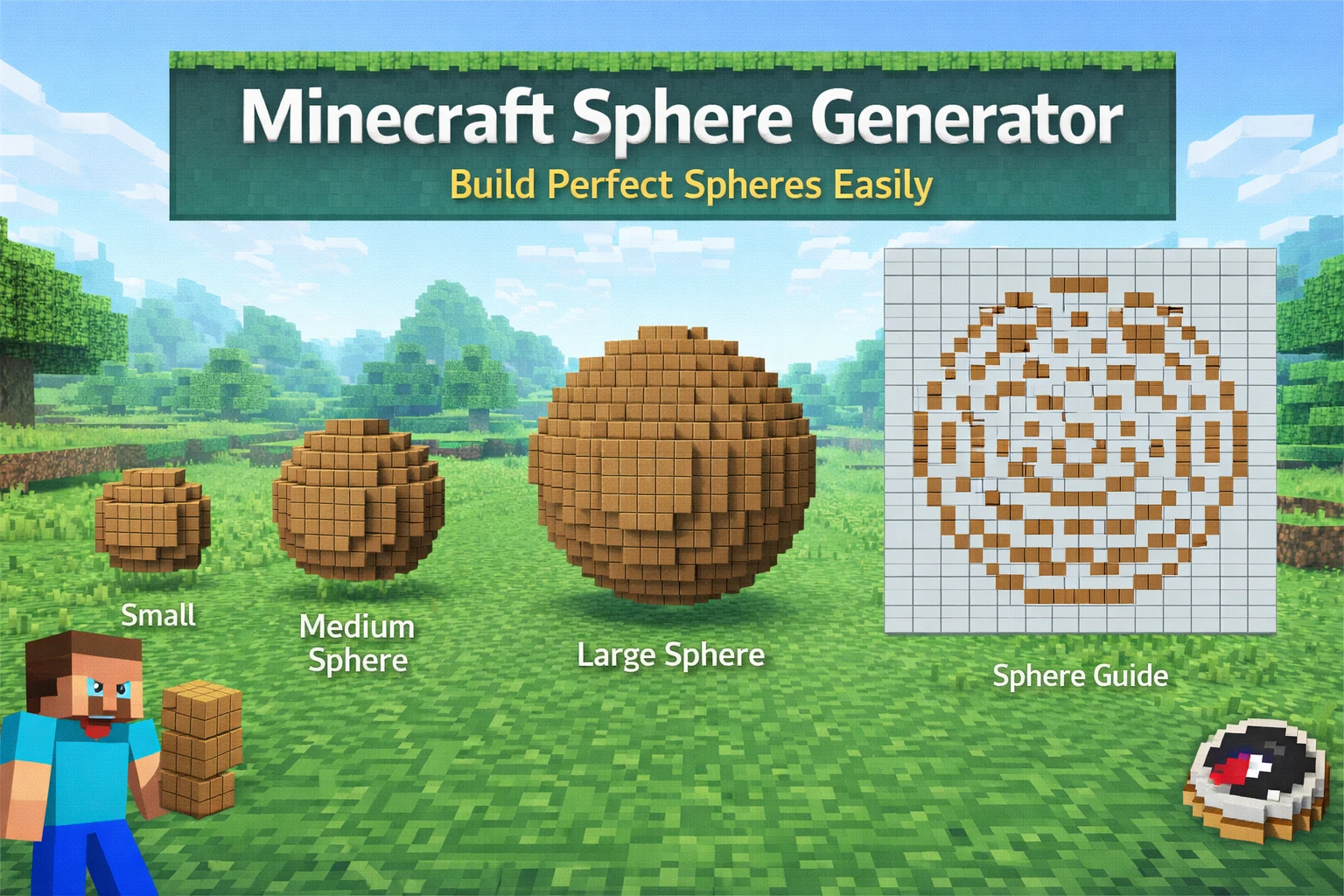
Building spheres in Minecraft requires creating multiple circular layers of different sizes. This tool generates each layer for you, making it easy to build perfect 3D spheres.
📋 Step-by-Step:
- 1. Enter your desired sphere diameter
- 2. Choose solid or hollow sphere
- 3. Click "Generate Sphere"
- 4. Use the slider to view each layer
- 5. Build layer by layer in Minecraft!
Sphere vs Circle: What's the Difference?
🔵 Circle (2D)
A flat, single-layer shape. Perfect for floors, ceilings, or decorative patterns.
Use Circle Generator →⚫ Sphere (3D)
A three-dimensional ball shape made of stacked circles. Great for planets, decorations, or structures.
Common Sphere Sizes
Small (7-11 blocks)
Decorative orbs, small planets
Medium (15-25 blocks)
Buildings, large decorations
Large (30+ blocks)
Massive structures, space stations
Building Tips
- ✓ Start from the bottom layer and work your way up
- ✓ Mark the center point before starting
- ✓ Use scaffolding to reach higher layers easily
- ✓ Screenshot each layer for reference while building
Related Tools
Minecraft Circle Generator
Generate 2D circles for floors and ceilings
Minecraft Dome Generator
Create half-sphere domes for roofs
How to Make a Circle
Complete guide to building circles
Minecraft Oval Generator
Generate oval and ellipse patterns
FAQ
How many layers does a sphere have?
A sphere has as many layers as its diameter. An 11-block sphere has 11 layers.
What's the difference between solid and hollow?
Solid spheres are filled completely. Hollow spheres only have the outer shell, saving blocks.
Can I build half a sphere?
Yes! Use our Dome Generator for hemisphere structures.